


操作步骤(iOS 和 Android 通用):
1️⃣打开 X App,点击左上角你的头像
2️⃣选择 Premium(或Premium+)
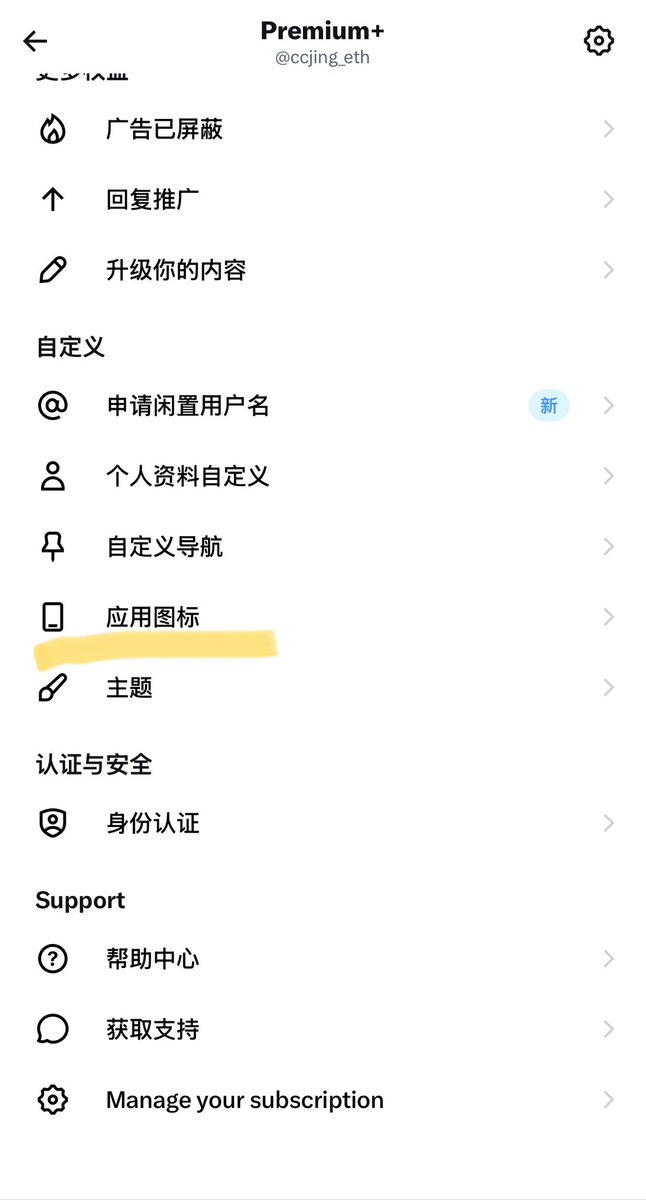
3️⃣进入 偏好设置(Preferences)→ 附加选项(Extras)→ 应用图标(App Icon)
(部分旧版界面可能直接显示“应用图标”)
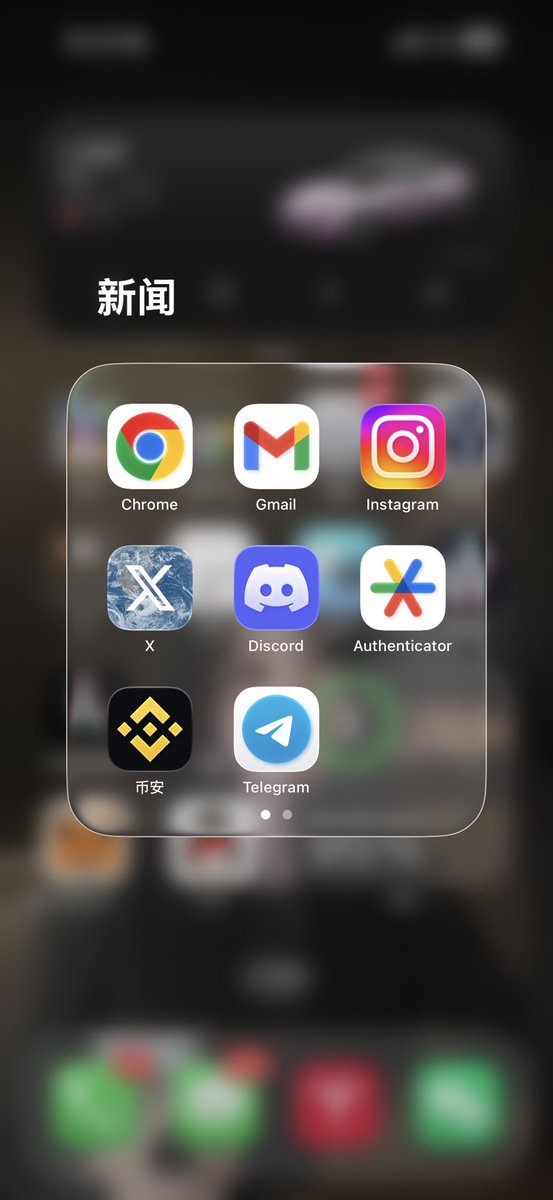
4️⃣挑选你喜欢的图标(有多种颜色、特殊款式可选),点击选中后会出现绿色对勾
5️⃣返回主屏幕查看效果即可

From X
Disclaimer: The above content reflects only the author's opinion and does not represent any stance of CoinNX, nor does it constitute any investment advice related to CoinNX.